
Mergio keeps your notes as ordinary .md files — in a folder you choose yourself, or in Mergio's own folder in your iCloud Drive. There is no account, no analytics, and no developer server, so your notes stay yours.
| Platforms | Mac · iPad · iPhone |
|---|---|
| Status | Available now |
| Requirements | iOS 26 or later · iPadOS 26 or later · macOS 26 or later |
| Price | Free to use; Mergio Pro via In-App Purchase |
Features
What it does
Live preview
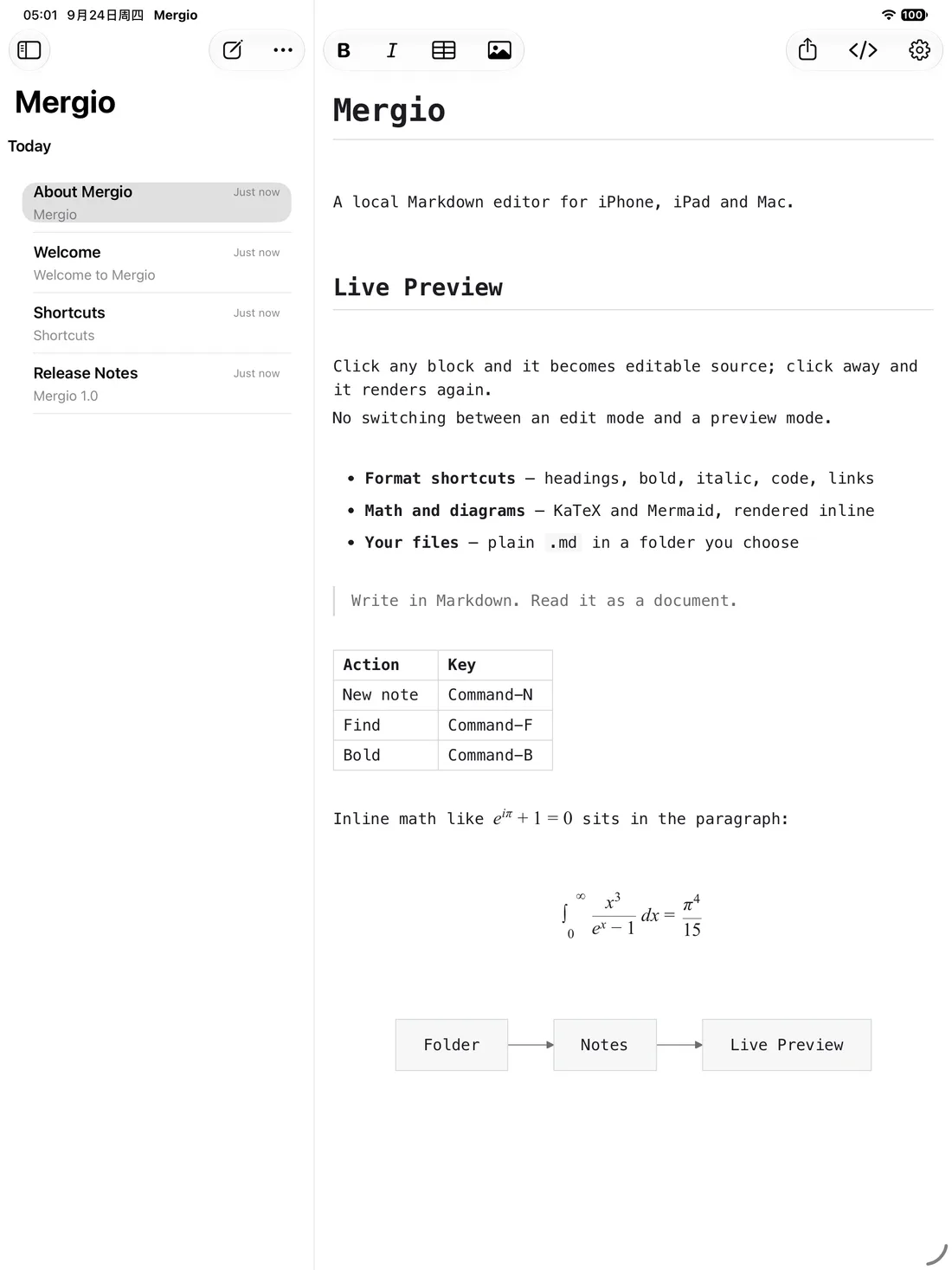
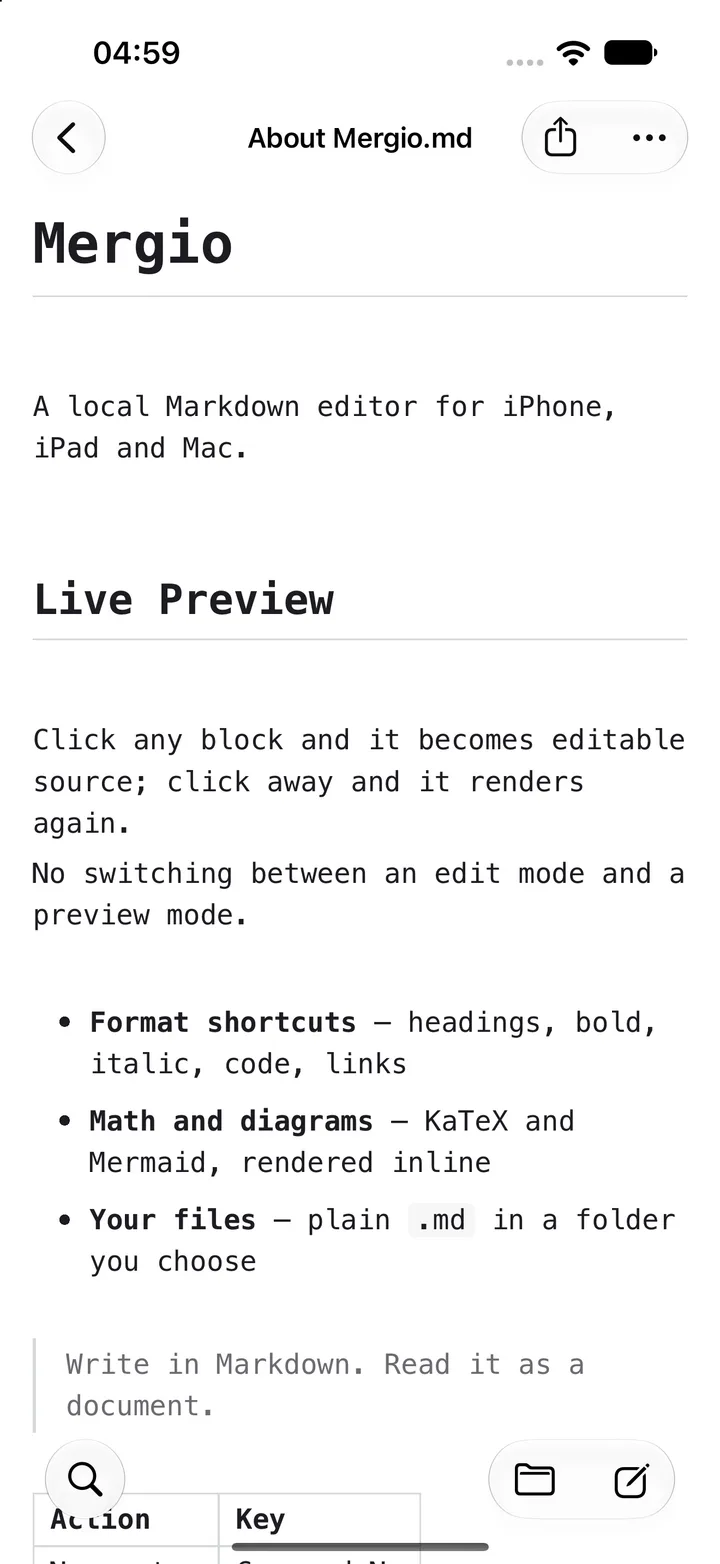
Click any block and it expands into editable source; click away and it renders again. No toggling between an edit mode and a preview mode — press Return inside a block to split it, and move the caret anywhere with the arrow keys.
Format shortcuts
Headings H1–H6, bold, italic, strikethrough, highlight, inline code and links all have keyboard shortcuts, so you never have to leave the keyboard.
Local first
Your notes are your own .md files, in a folder you choose or in the app's own iCloud Drive folder. There is no account system, and nothing is reported to any server.
Math, diagrams and code
KaTeX math, Mermaid diagrams, code syntax highlighting, full-text find, and image paste and insert — all rendered on-device, with the renderers bundled inside the app.
Free version and Pro
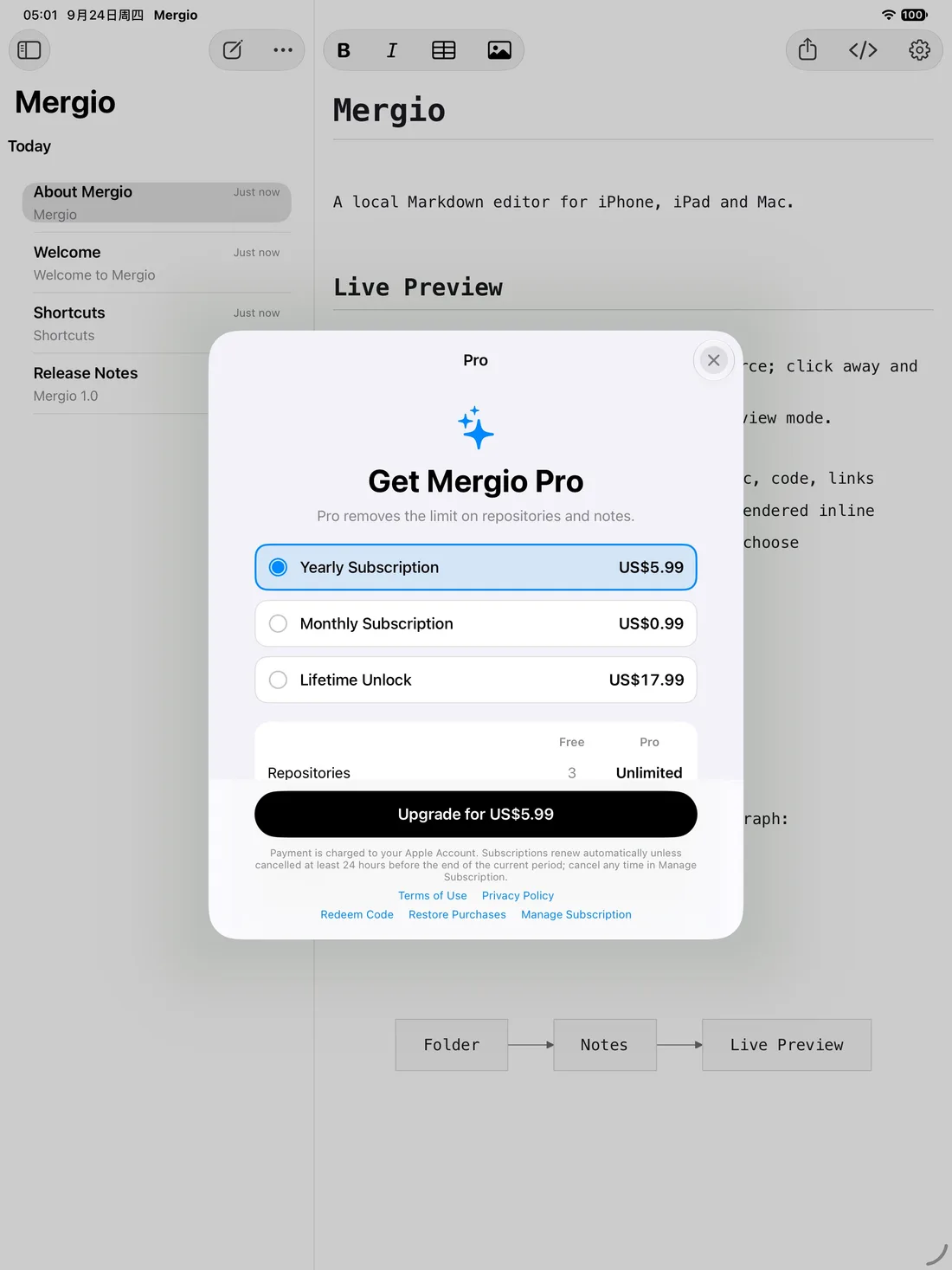
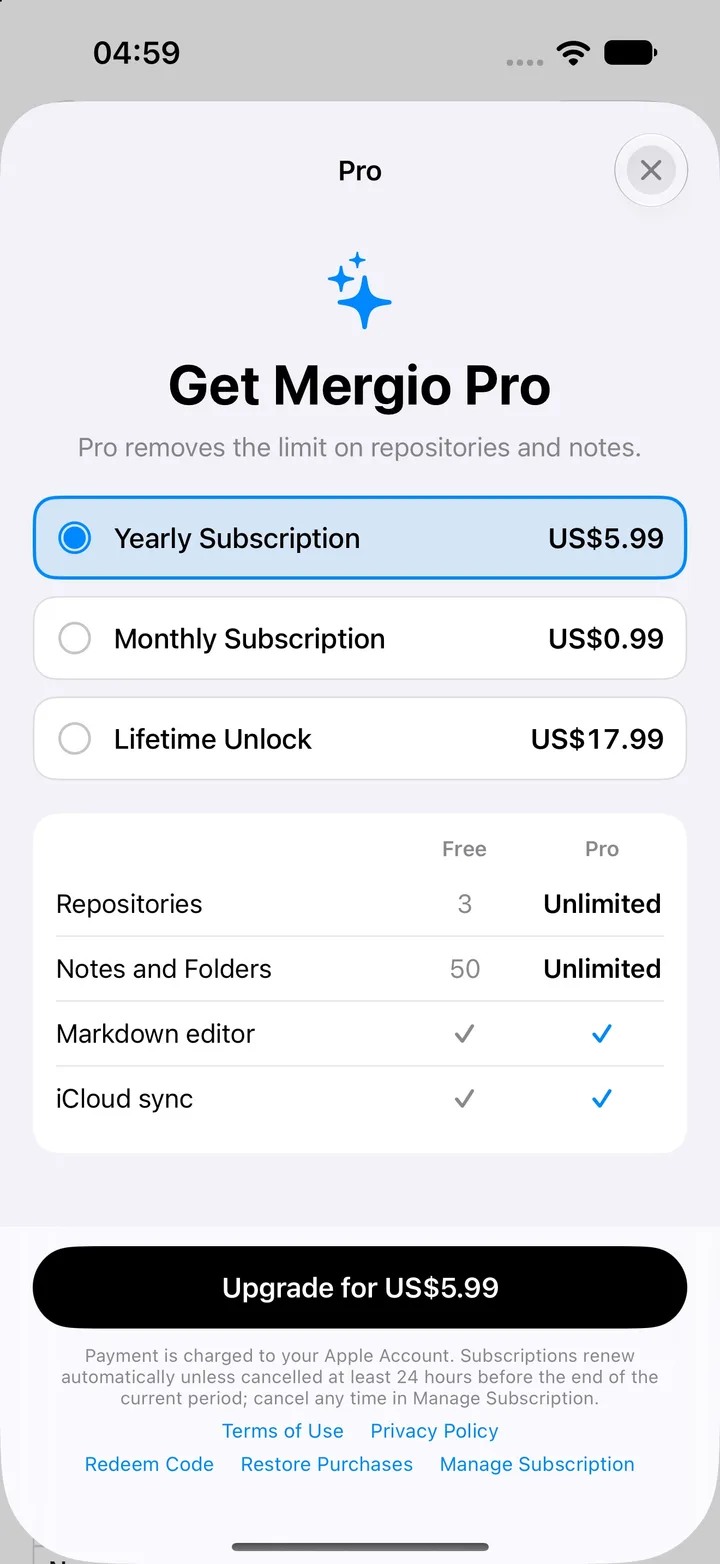
The free version is the complete editor, limited to 3 repositories and 50 notes and folders. Notes you already have are never locked. Pro removes both limits, as a yearly subscription, a monthly subscription, or a one-time Lifetime Unlock.
One app, three platforms
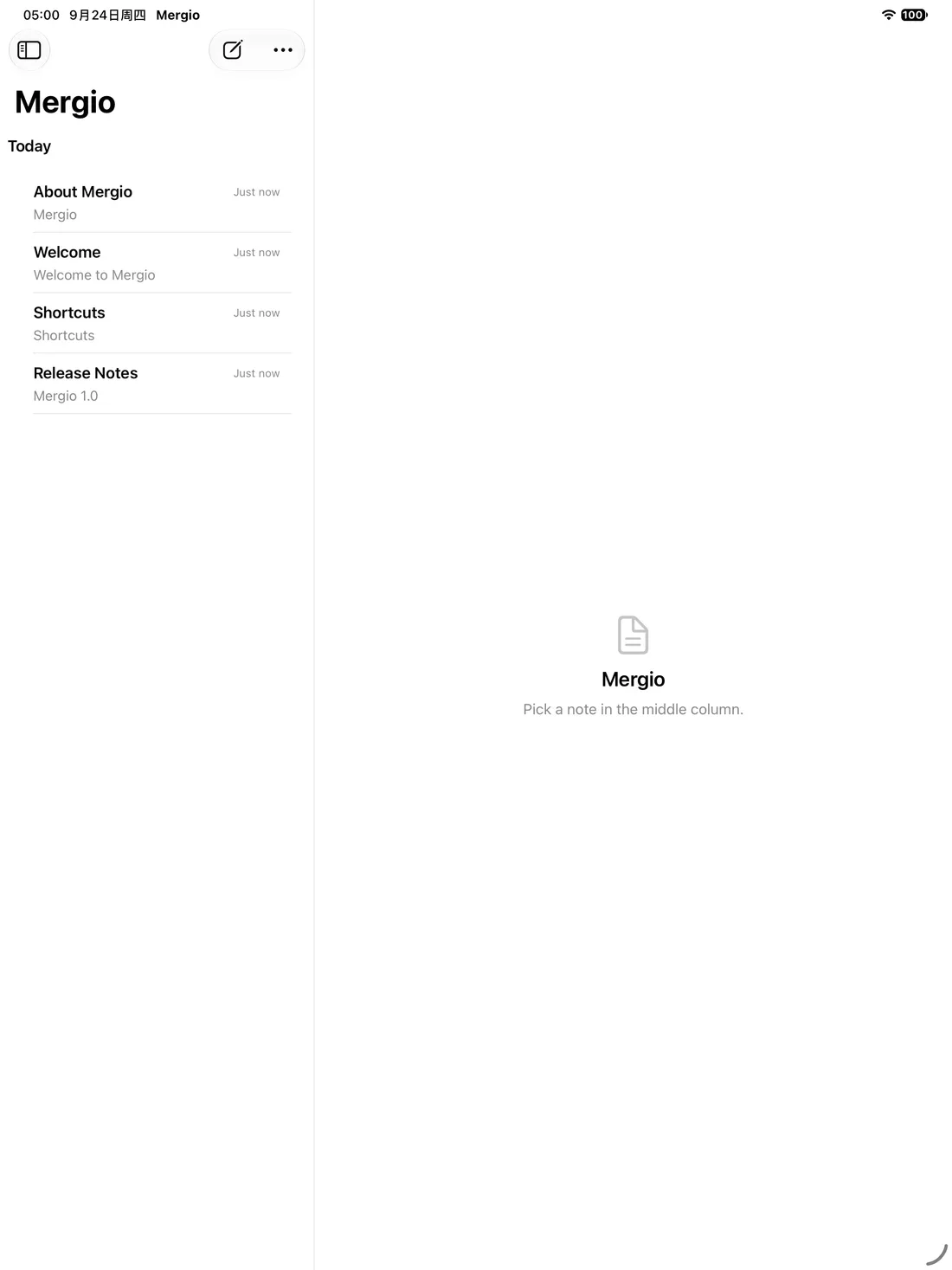
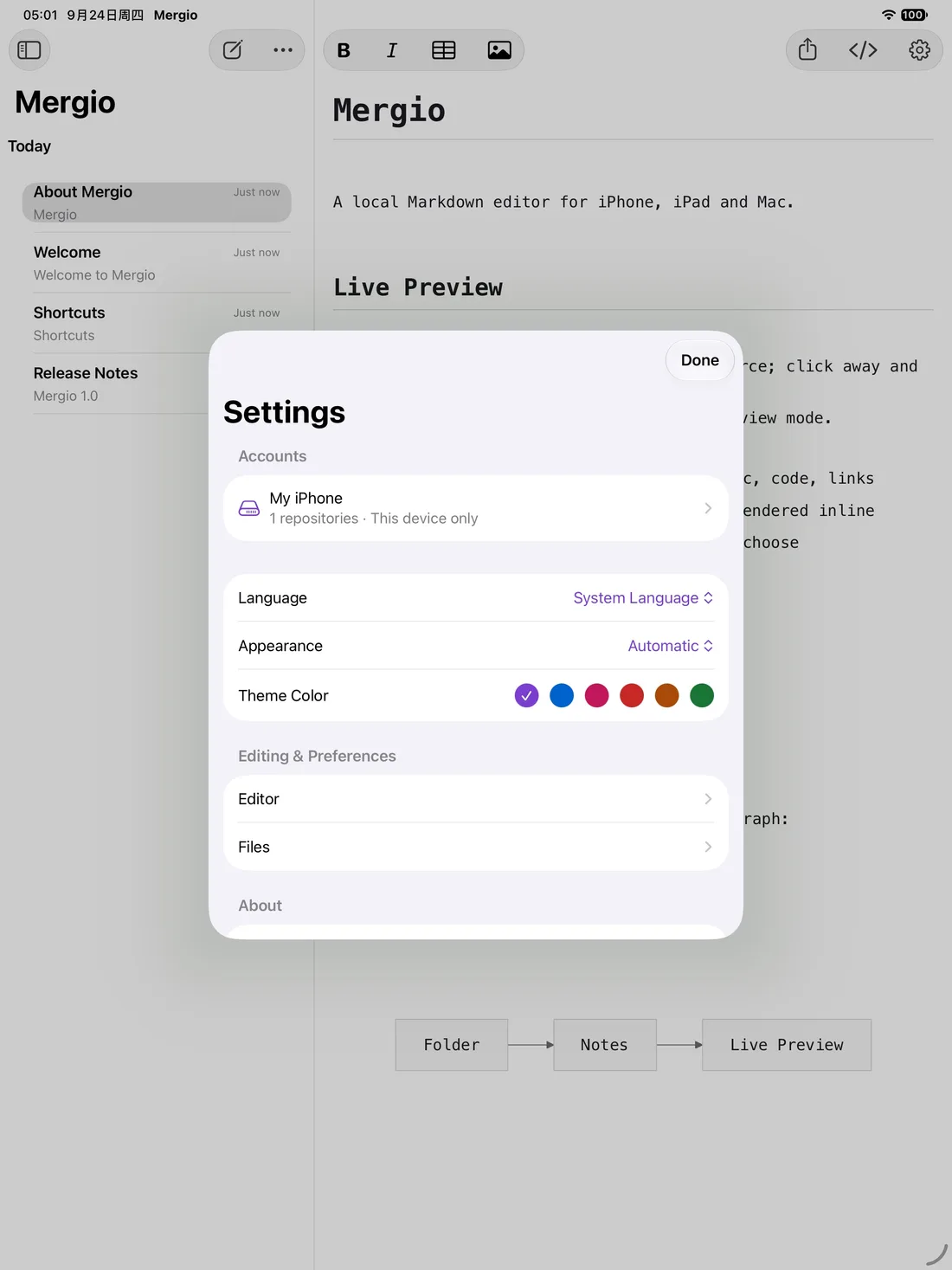
The same codebase for macOS, iPad and iPhone, with your folder in iCloud Drive keeping the notes in step between them.
On iPad
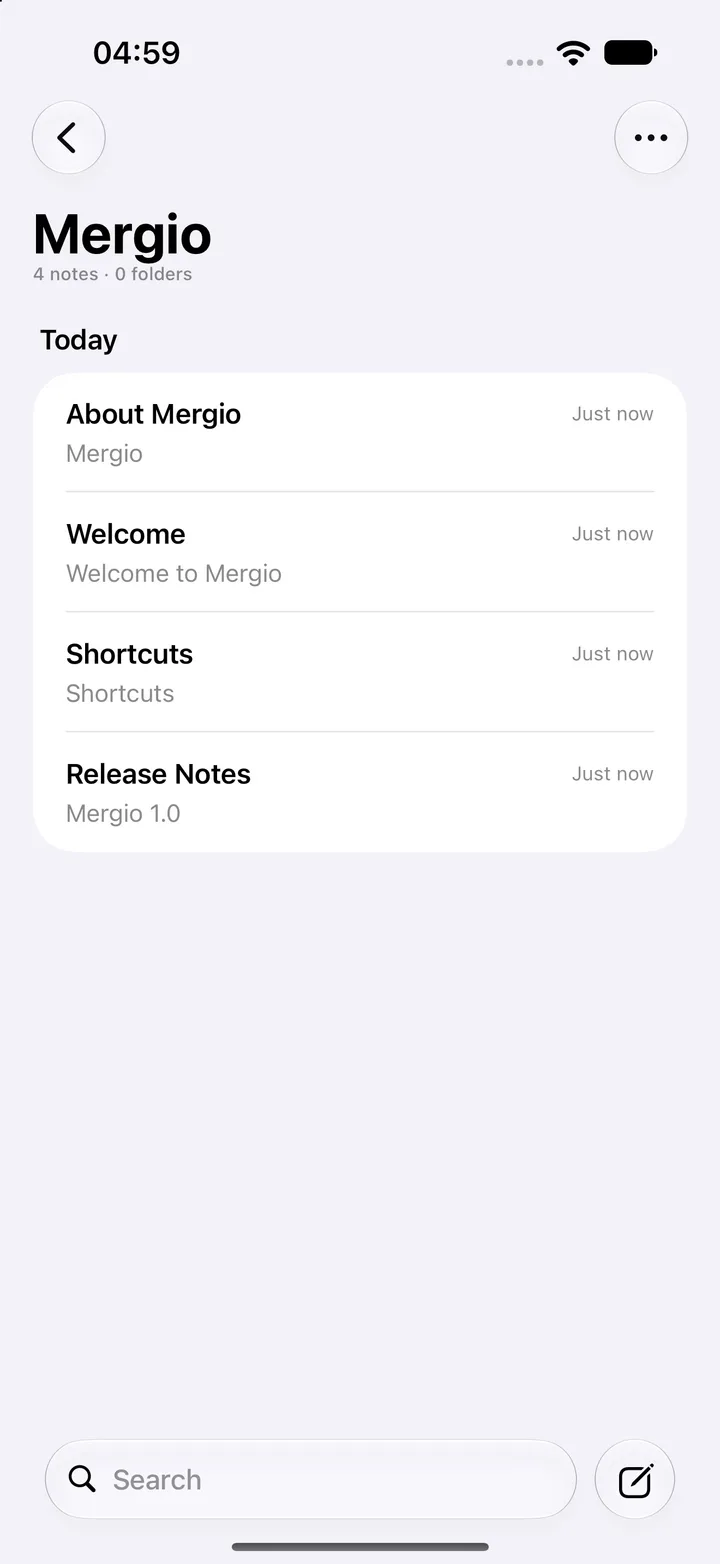
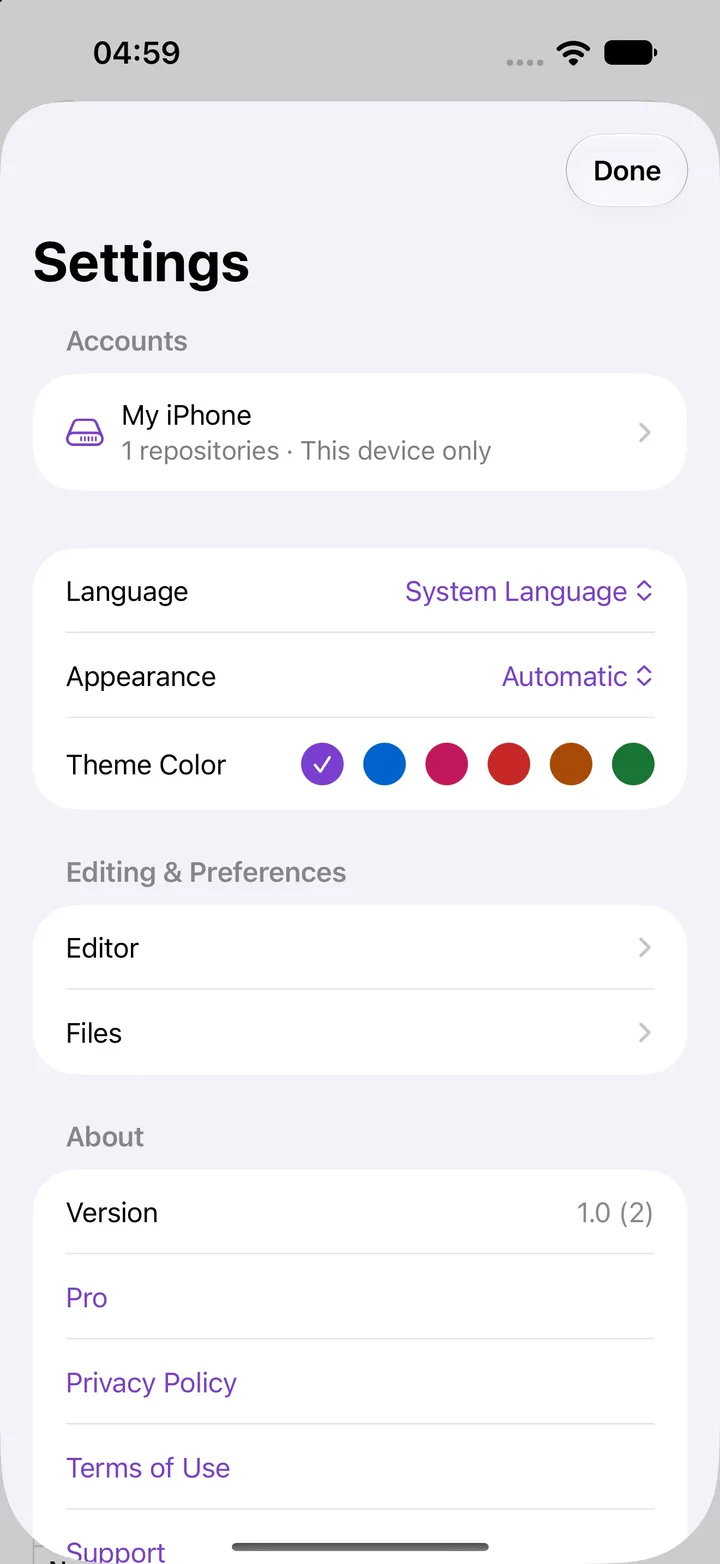
On iPhone
Get Mergio
Available on the App Store for Mac and iPhone.